

macOS
macOS 13 Ventura or later
- Menu bar panel and SwiftUI settings
- Liquid Glass on macOS 26
Or run brew install --cask fayeed/tap/doze
 Menu bar and tray utility for Mac and PC
Doze keeps your MacPC awake for a download, a render or a coding agent finishing the job, then lets it sleep, always after a final warning you can cancel.
Free · No account · No telemetry · macOS 13+Windows 11
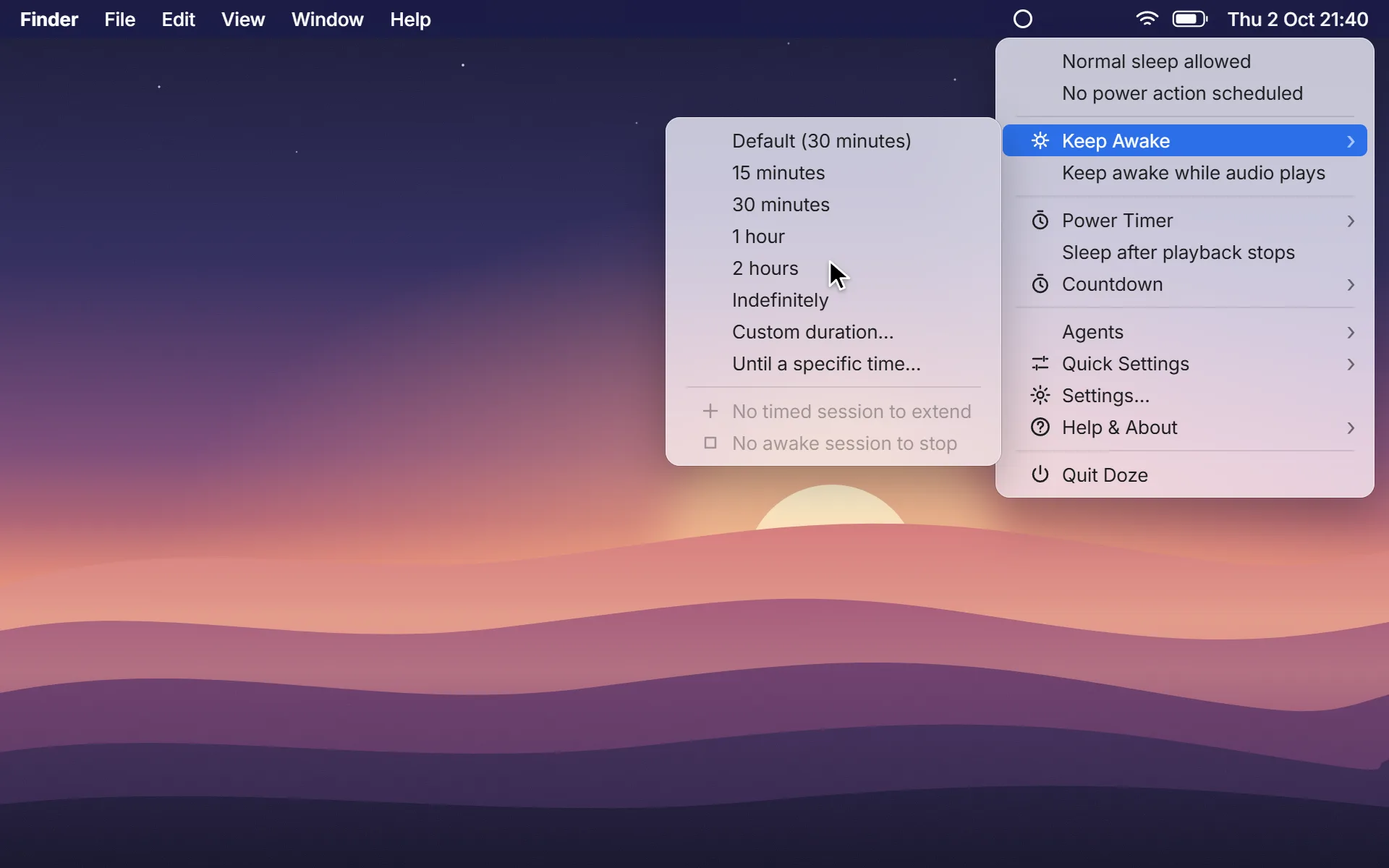
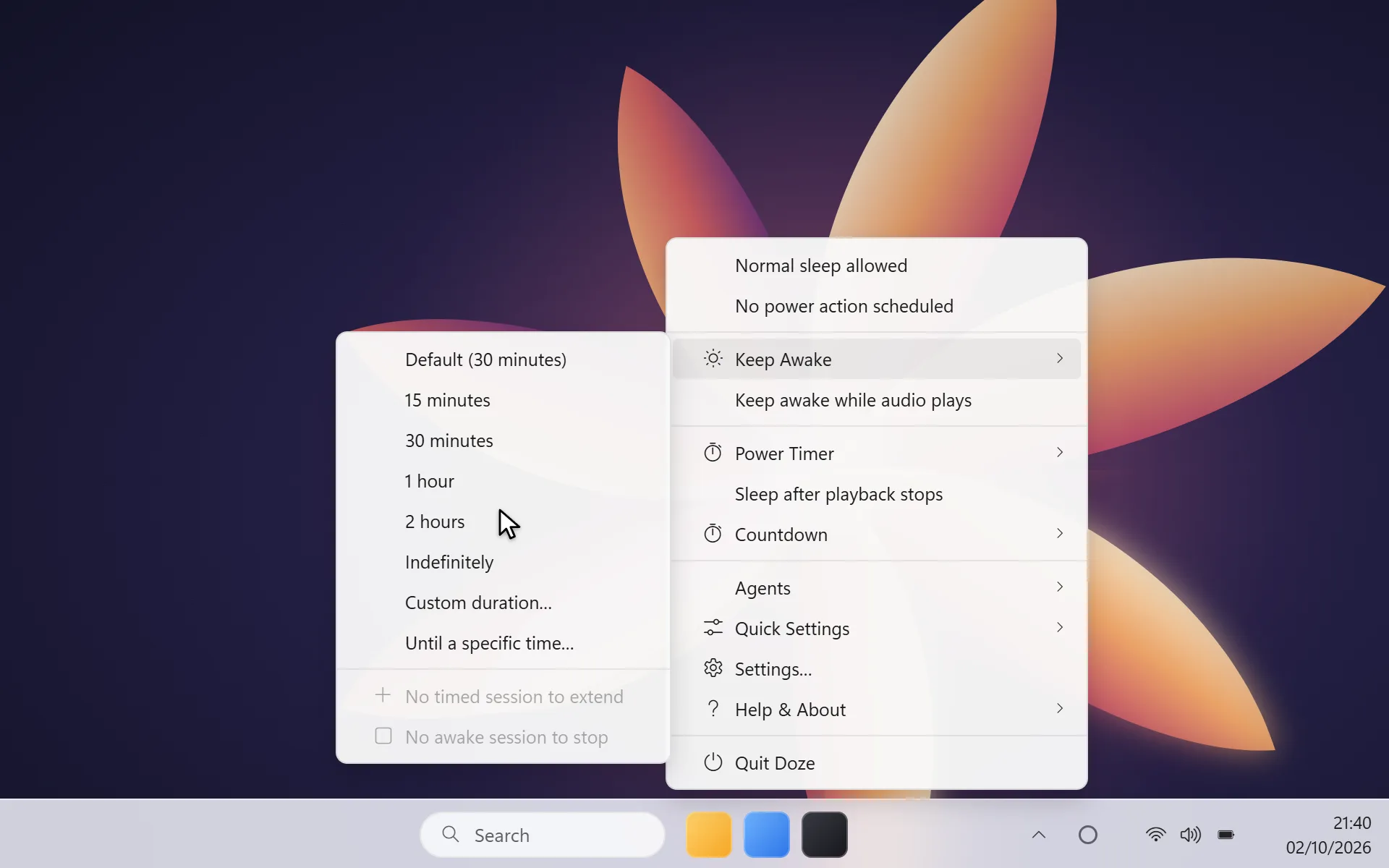
One click from the menu barsystem tray: keep awake, set a timer, or let playback decide when it’s bedtime. Everything else stays out of your way.
Friday · 21:40 → 00:57
Start an export. Keep Awake · 2 hours.
A film in bed, with Sleep after playback stops on.
Credits end. The five-minute warning appears.
Sleep. Nobody had to get up.
Keep Awake
Fifteen minutes, two hours, until 11:30, or indefinitely, one click from the menu bar paneltray flyout. Overview in Settings lets you extend or stop it, and normal sleep settings apply again the moment it ends.
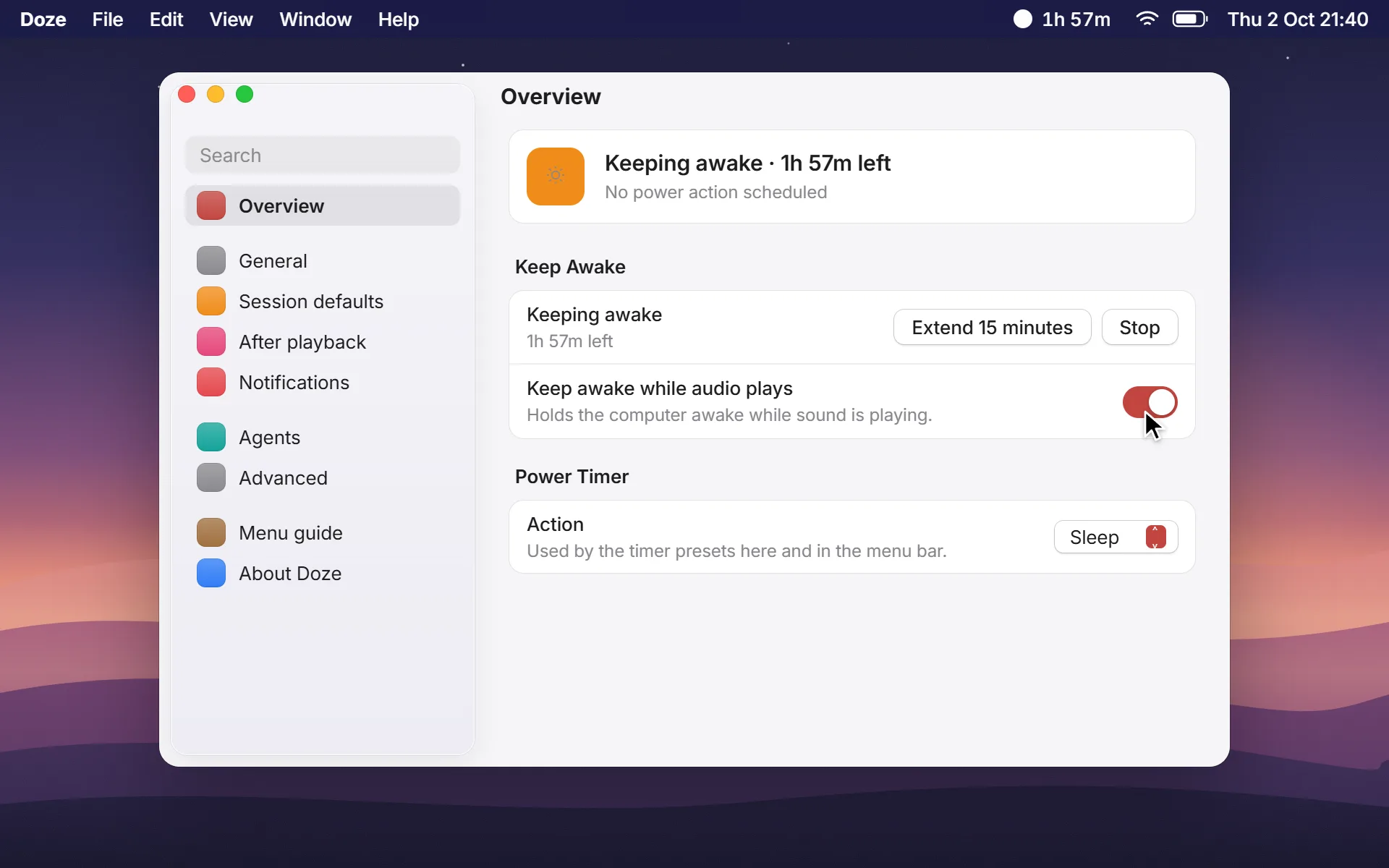
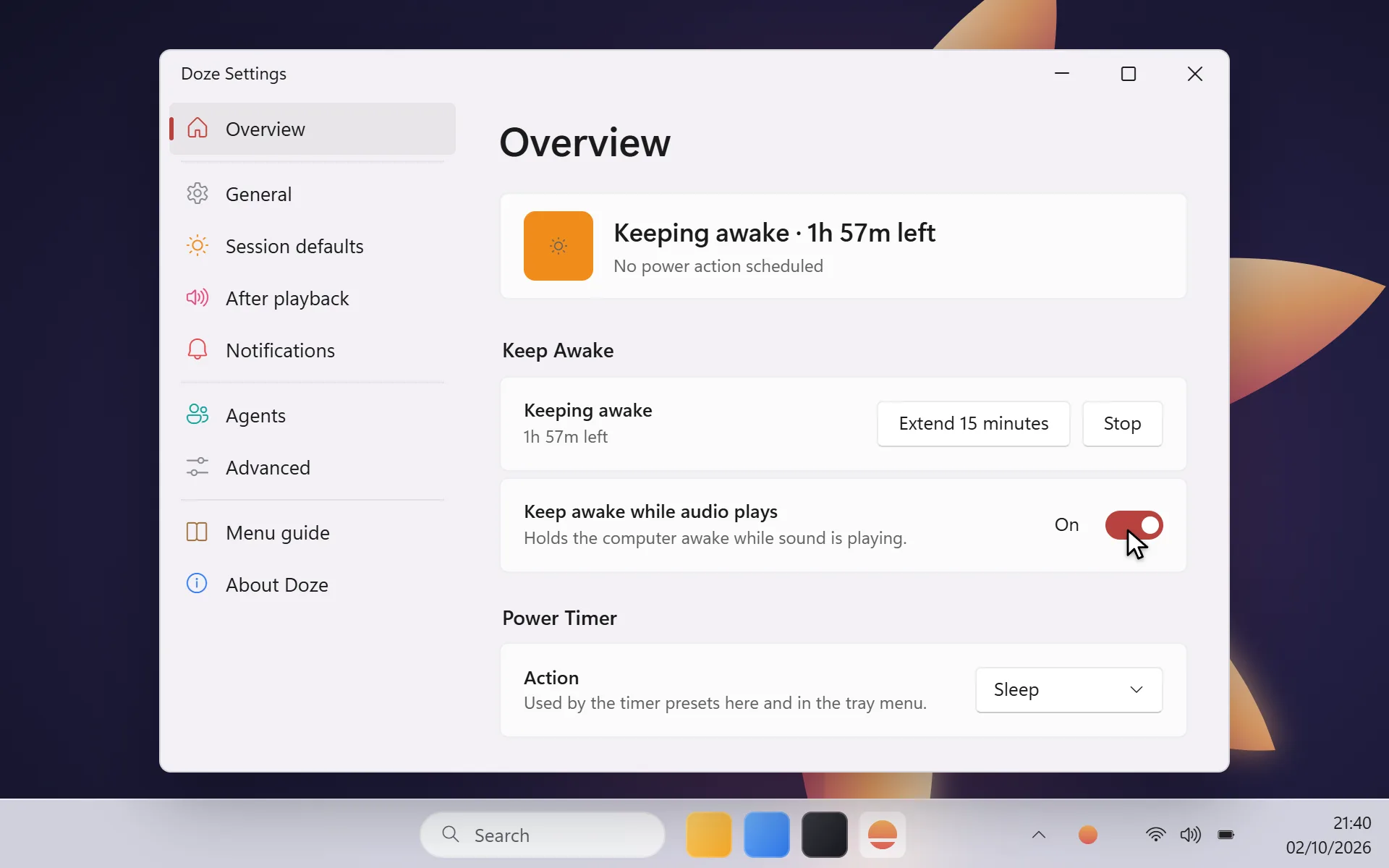
Power Timer
Pick an action, a duration or a time of day, and walk away. Your MacPC stays awake until the timer finishes, then Doze sleeps, hibernates, shuts down, locks or turns the display off.
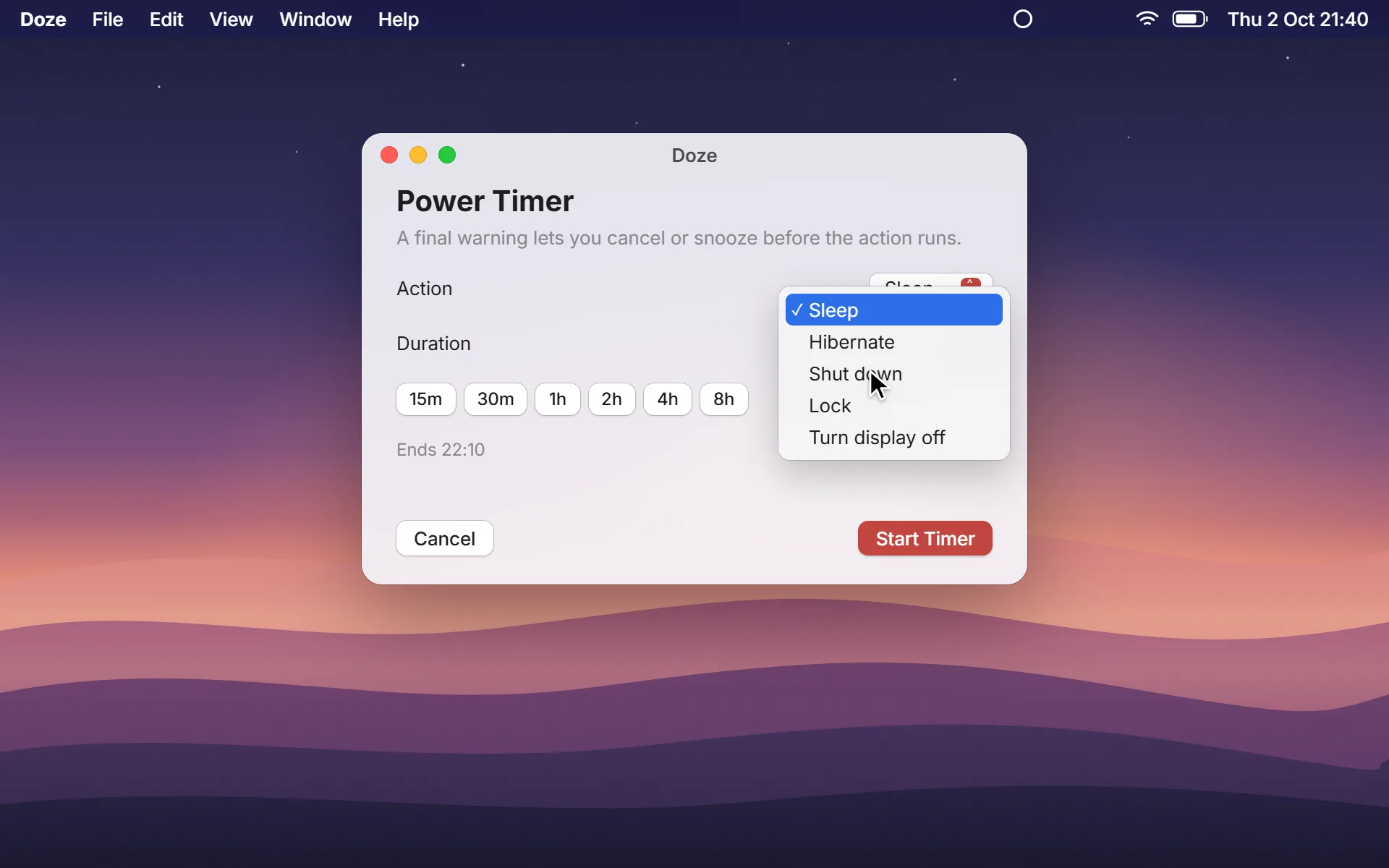
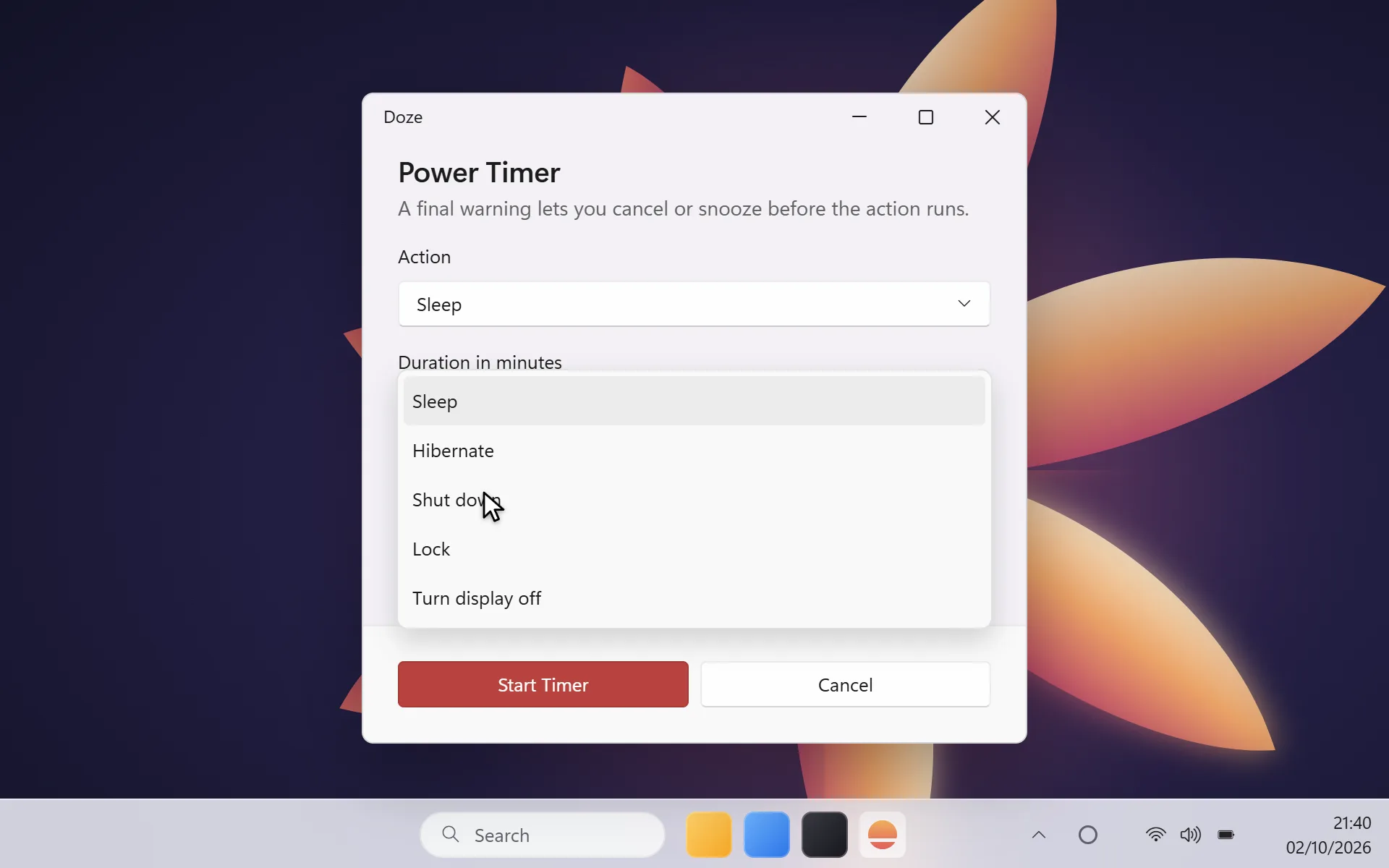
Doze never takes a power action you didn’t ask for, and never without a warning you can cancel.
The one ruleAfter Playback
Turn on Sleep after playback stops before you press play. When the credits end and the computer goes quiet and untouched, the final warning begins. Pause or touch the trackpadmouse and it waits again. Doze never records audio.
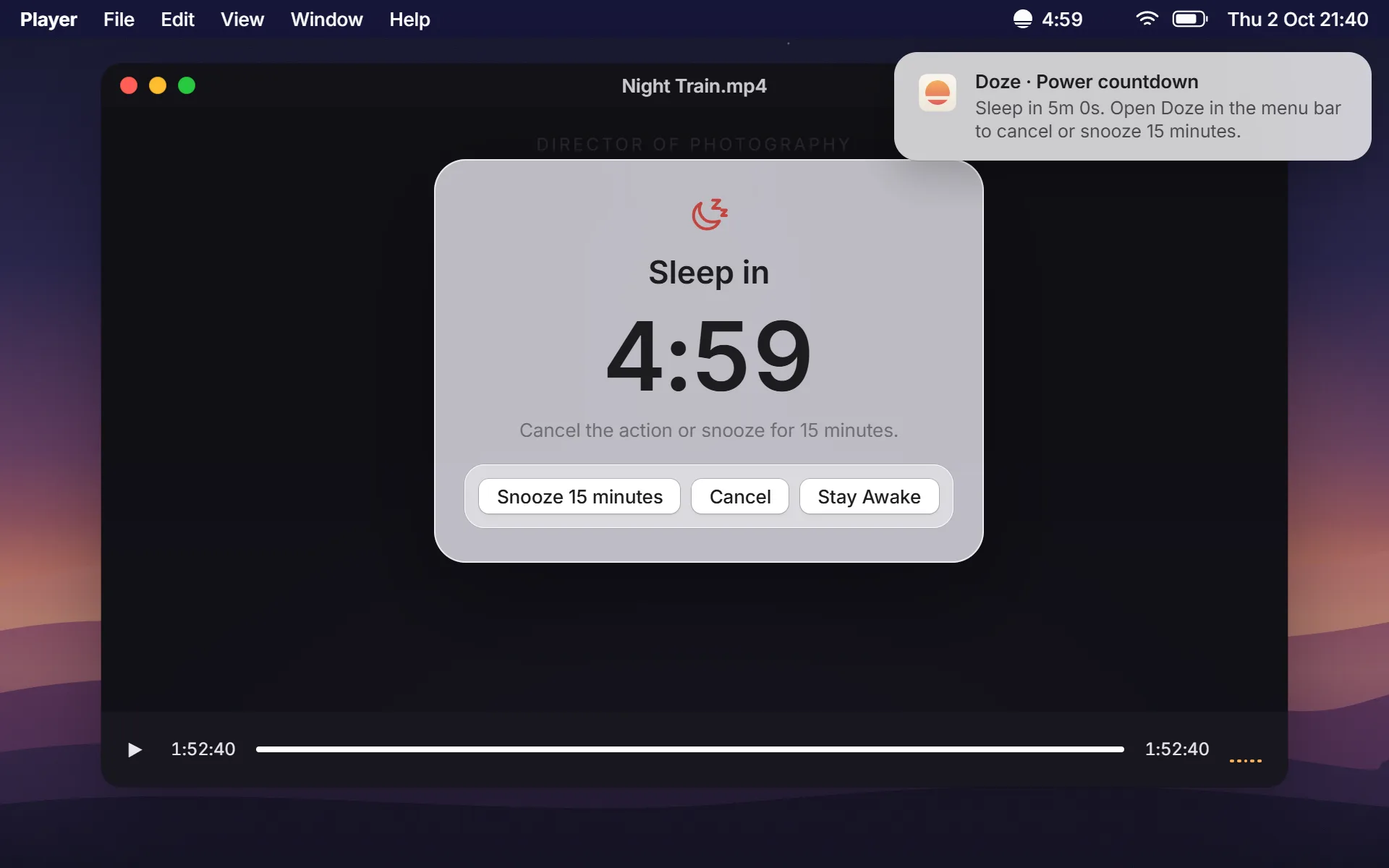
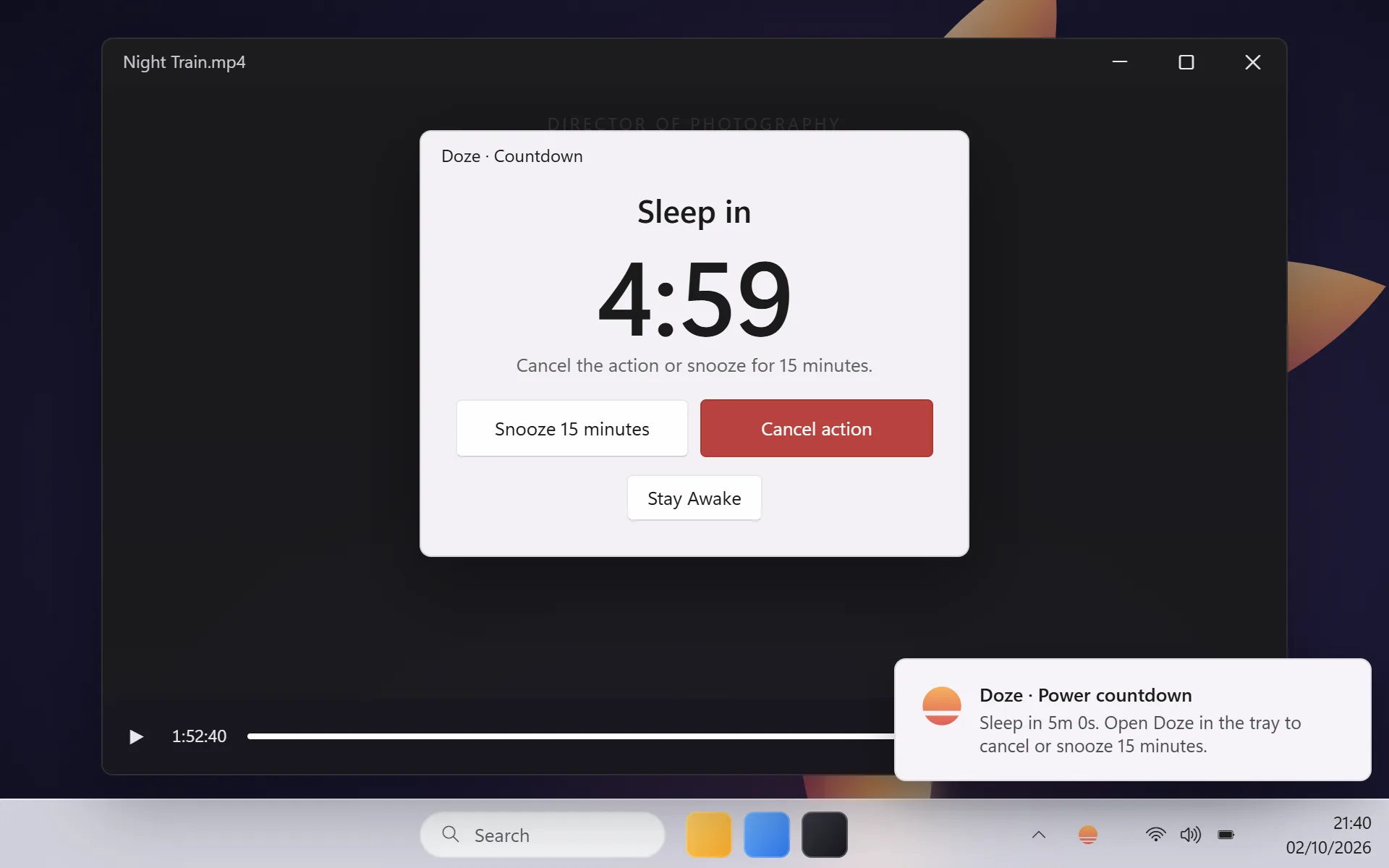
Final warning
Every power action starts with a floating countdown. Snooze it for 15 minutes, cancel it, or choose Stay Awake. It feels at home on both systems: SwiftUI with Liquid GlassWinUI 3 with Mica.
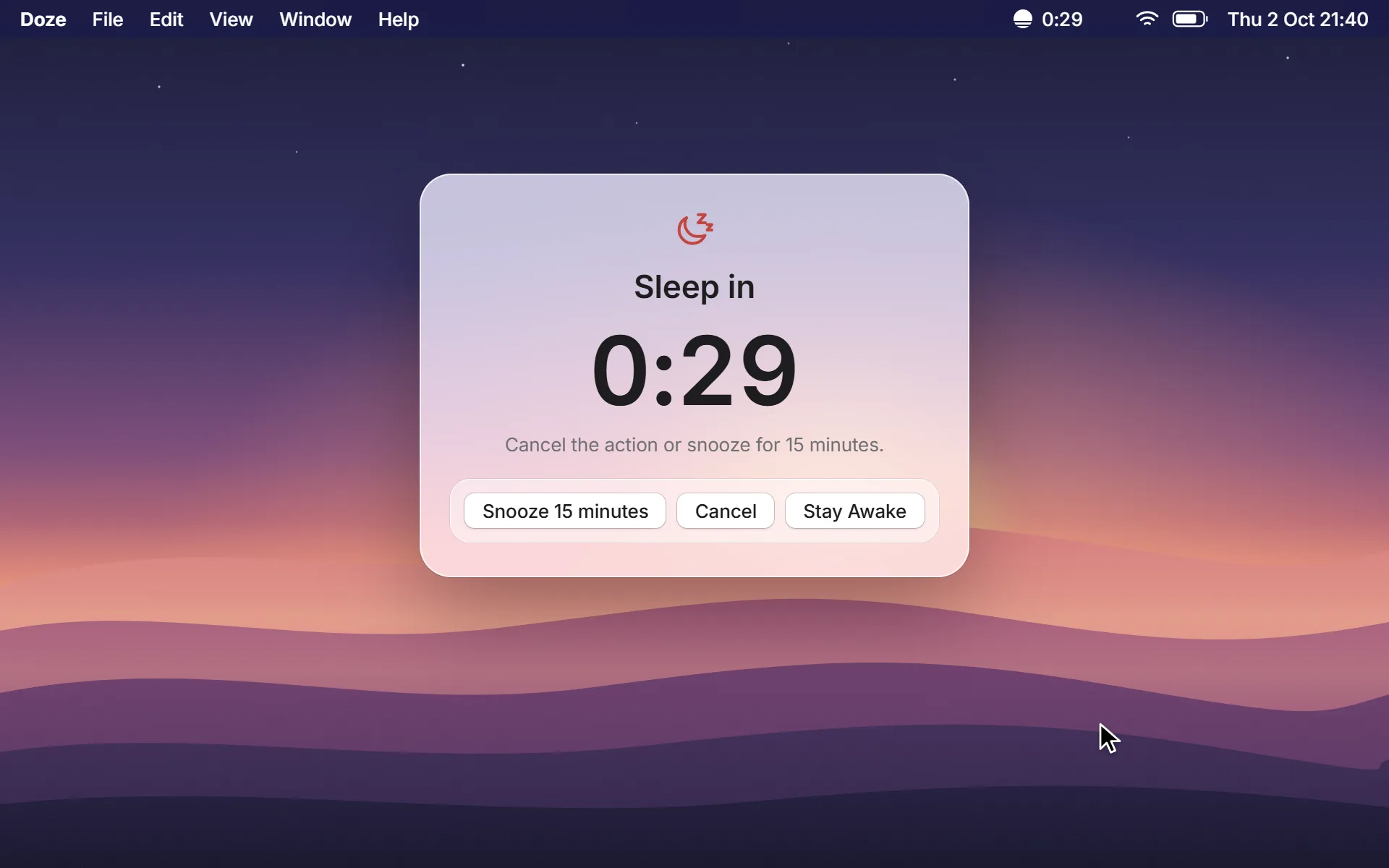
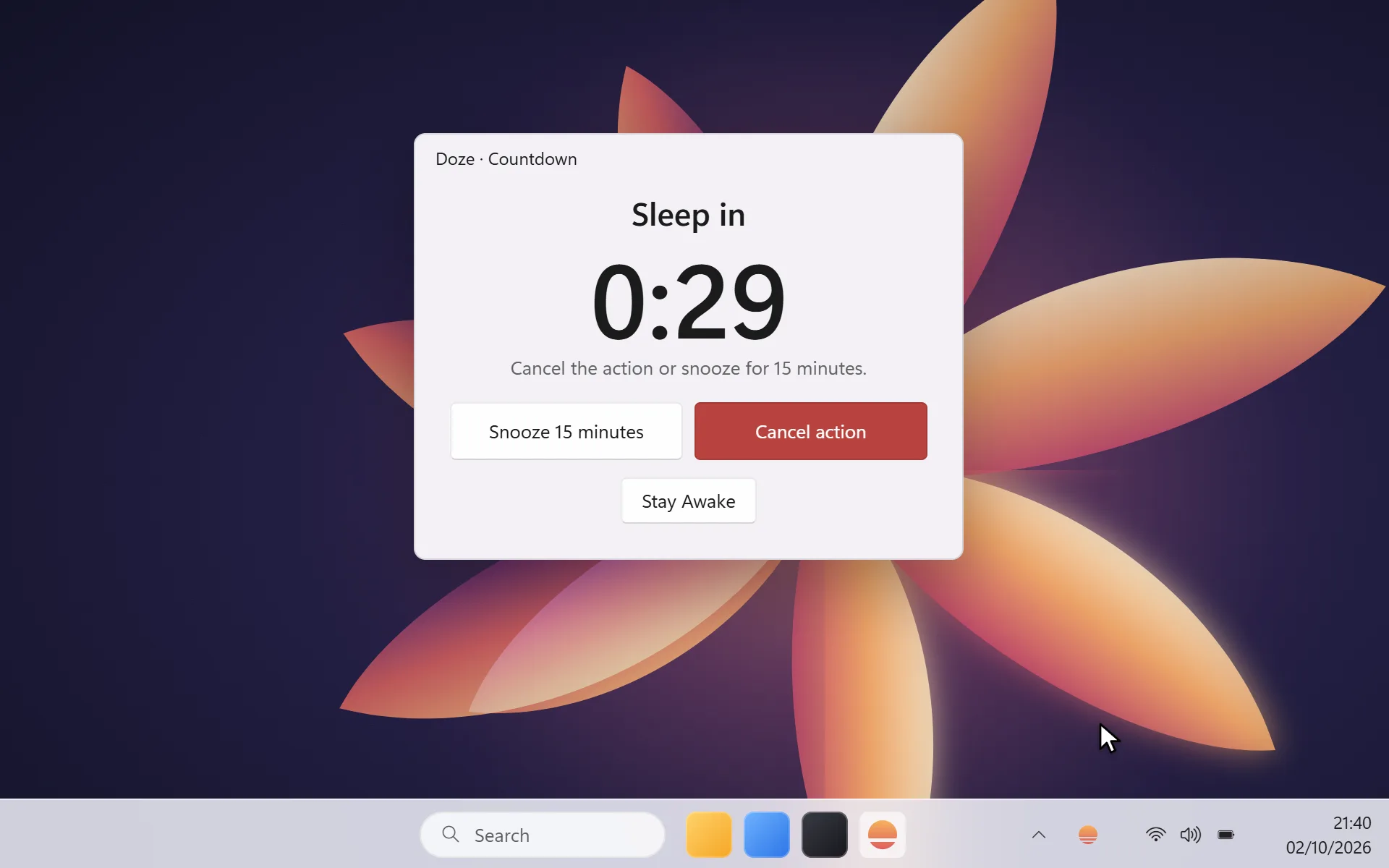
Silence is never treated as success. If an agent goes quiet, Doze waits, then simply lets go.
Agents, safelyFor coding agents
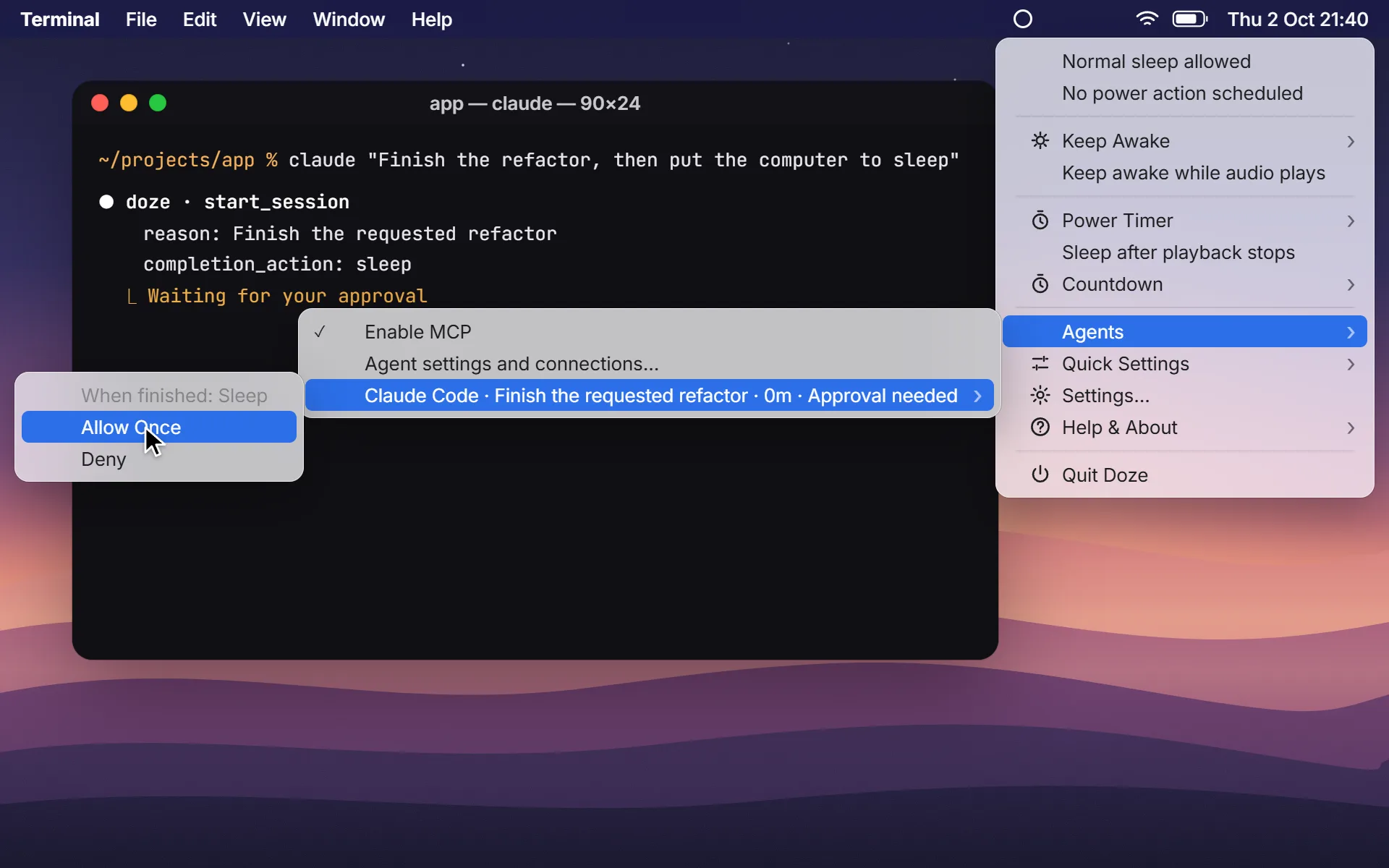
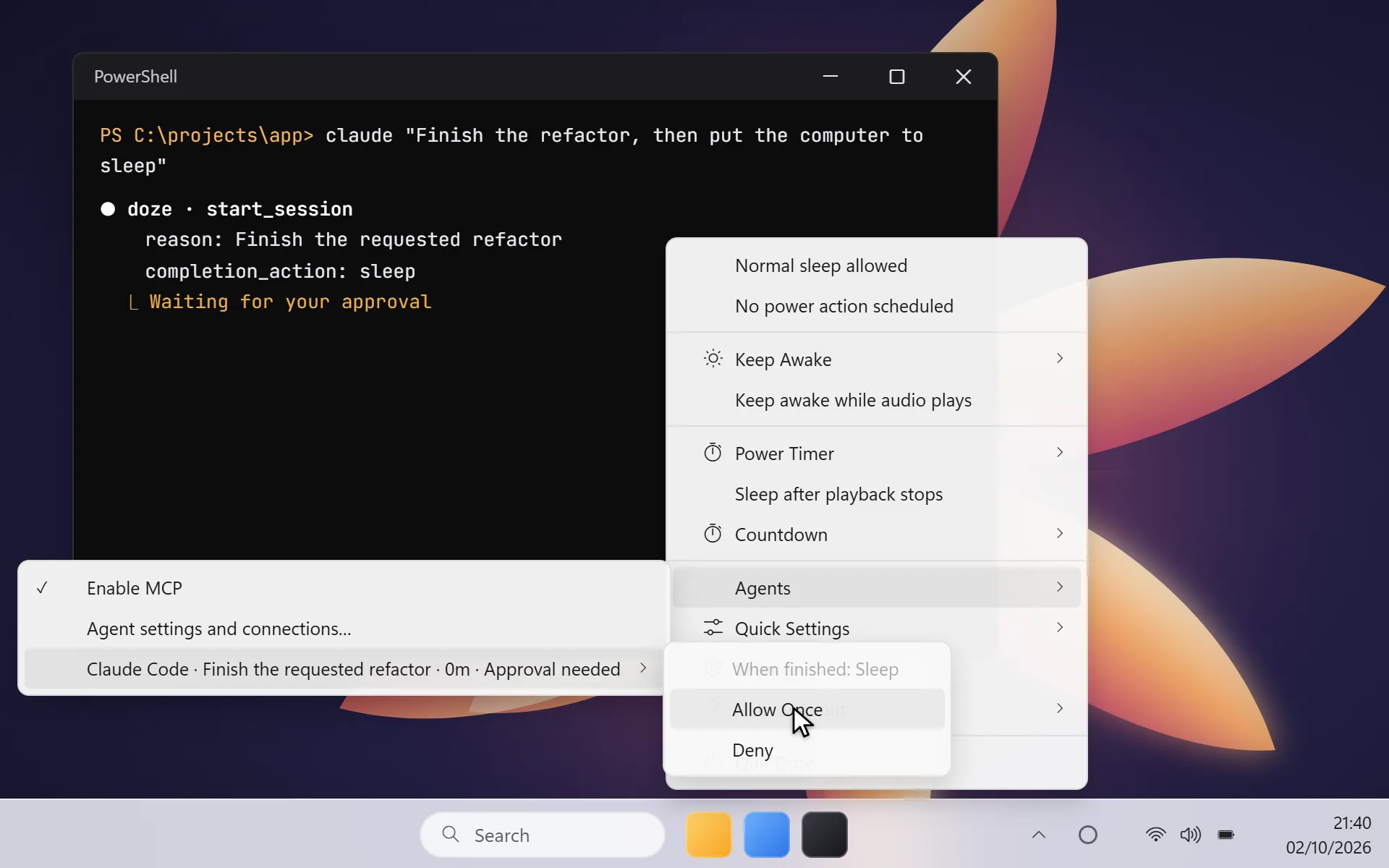
Claude Code, Codex, OpenCode and other MCP clients keep your MacPC awake while they work, then it sleeps when every agent is done. Allow a new agent once from the panelflyout, and if one stops checking in, Doze lets go after 30 minutes without acting.
Command line
Wrap any command and Doze keeps the computer awake until it succeeds, then runs the action after the final warning. A failed job or Ctrl-C releases without acting.
# keep awake until the export succeeds, then sleep
$ doze run --then sleep -- ffmpeg -i in.mov out.mp4

# follow a process that is already running
$ doze watch --pid 1234 --then shutdownFrom overnight builds to the last ten minutes of a film, Doze keeps the right things going.
Long builds, test suites, migrations and deploys finish before the screen locks.
Claude Code and Codex keep working overnight, then put the computer to sleep.
Exports and renders run to the end, followed by Sleep or Shut down.
Games, updates and backups complete without fighting your power settings.
Drift off mid-film; Doze notices the credits and lets the computer sleep.
Keep the display on for the length of a talk or a call, then back to normal.
No price, no subscription, no account. Download it and put your computer on a sensible bedtime.
macOS 13 Ventura or later
Or run brew install --cask fayeed/tap/doze
System tray app for Windows
Or run winget install --id Fayeed.Doze --exact
No. On Windows it reads the system’s output level meters; on macOS it asks Core Audio whether an output device is running and not muted. Nothing is recorded, captured or inspected, and no recording permission is requested.
After Playback needs both silence and inactivity before it warns you, and using the computer during the countdown cancels it. Timers always show the final warning with Cancel, Snooze and Stay Awake.
Agents renew a lease while they work. If one goes quiet, Doze keeps the computer awake for up to 30 minutes, then releases it without running any completion action.
Windows, and macOS 13 Ventura or later. Liquid Glass appears on macOS 26 and later; earlier releases use native materials.
Nothing. Doze is completely free: no subscription, no ads and no in-app purchases.
No account, no cloud, no telemetry, no ads. Preferences and optional diagnostics stay on your computer.
